Design faster
than planning
One line is enough.From screen flows to pitch slides, build and export from a single canvas.
Example idea: A concert ticketing app
Start freeA concert ticketing app
AI Flow 6 screens
- 1Explore shows GeneratingDone
- 2Seat picker GeneratingDone
- 3Mobile ticket GeneratingDone
- 4Show detail Generating
- 5Checkout Queued
- 6My page Queued
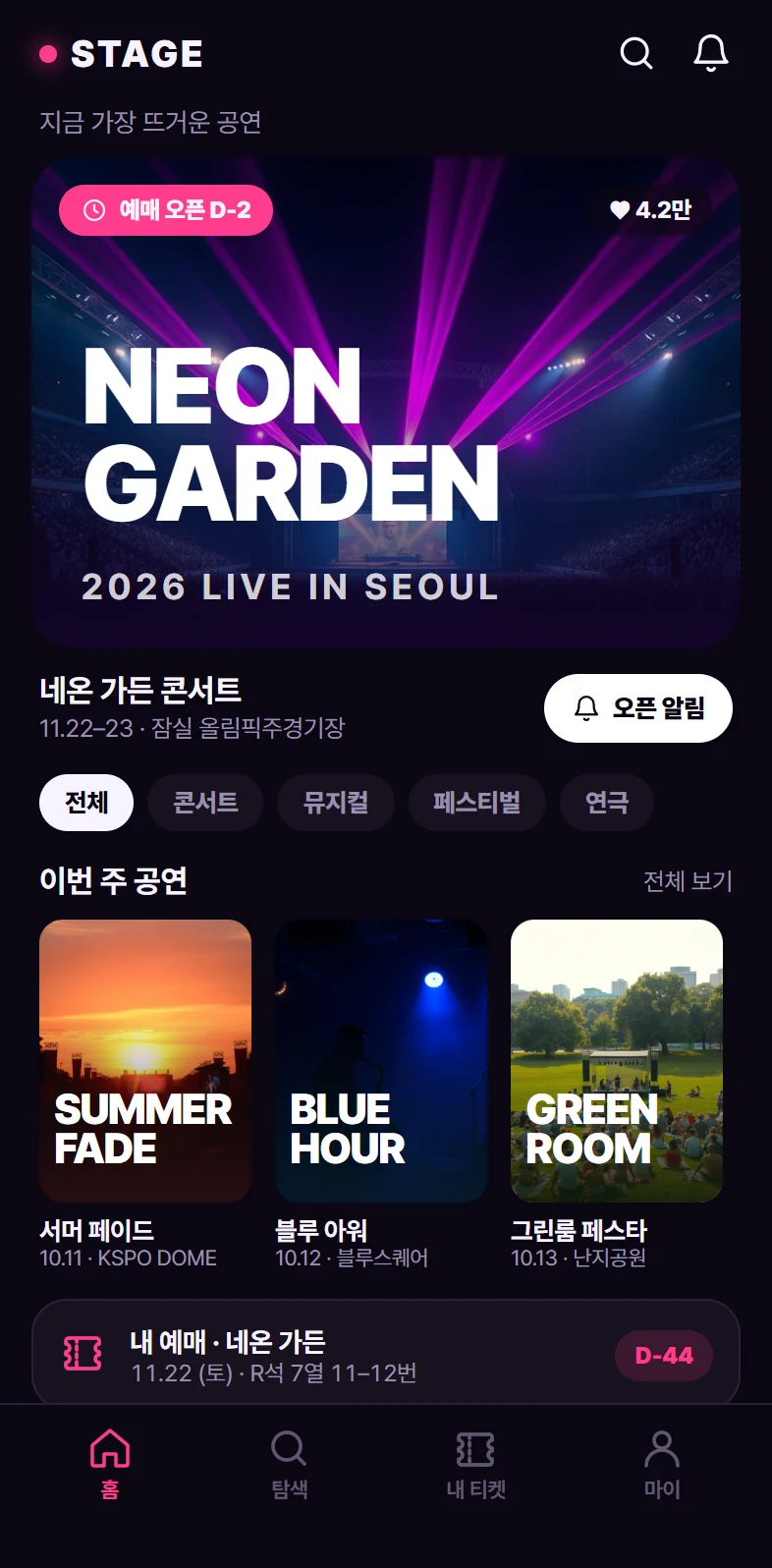
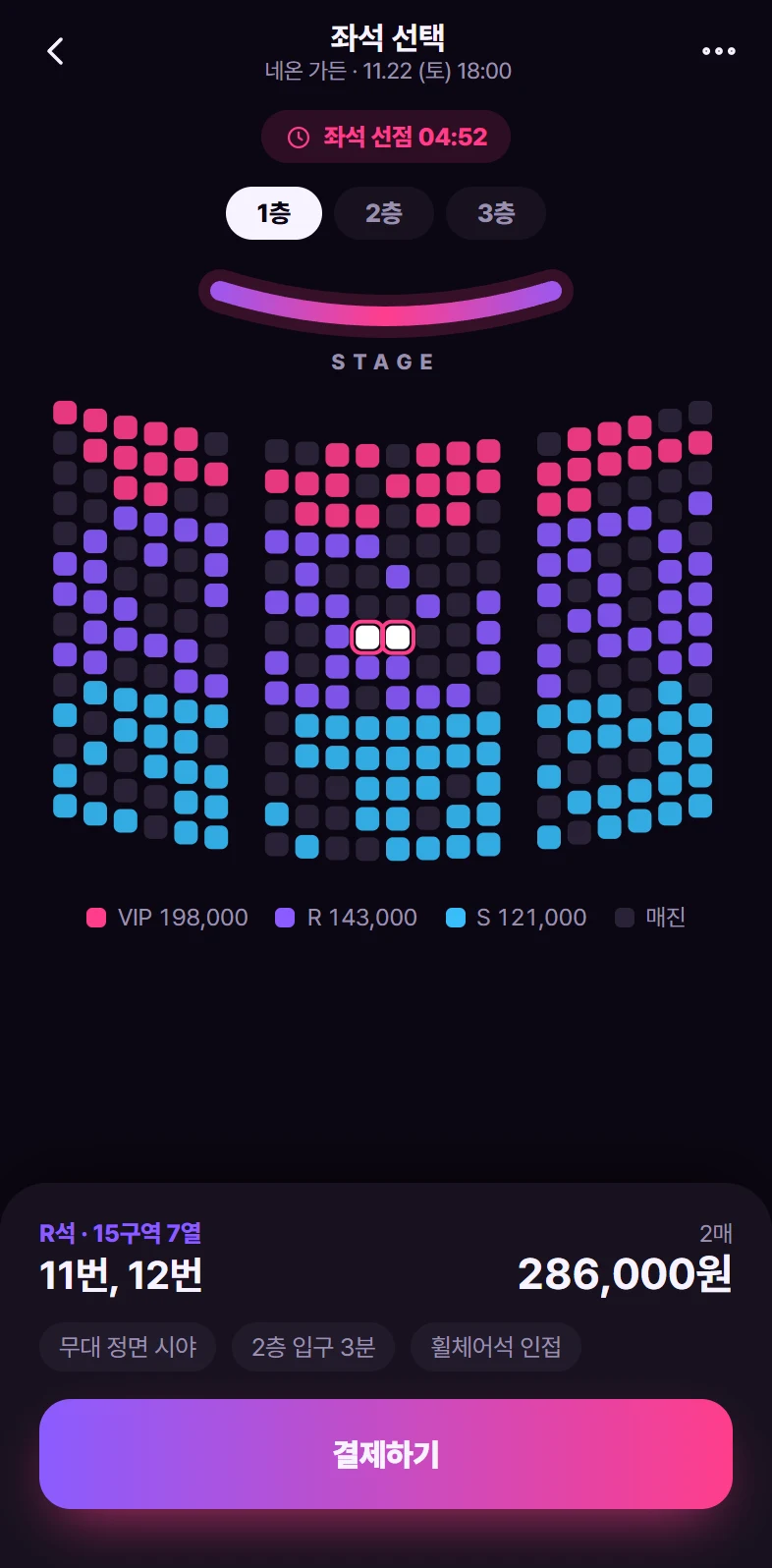
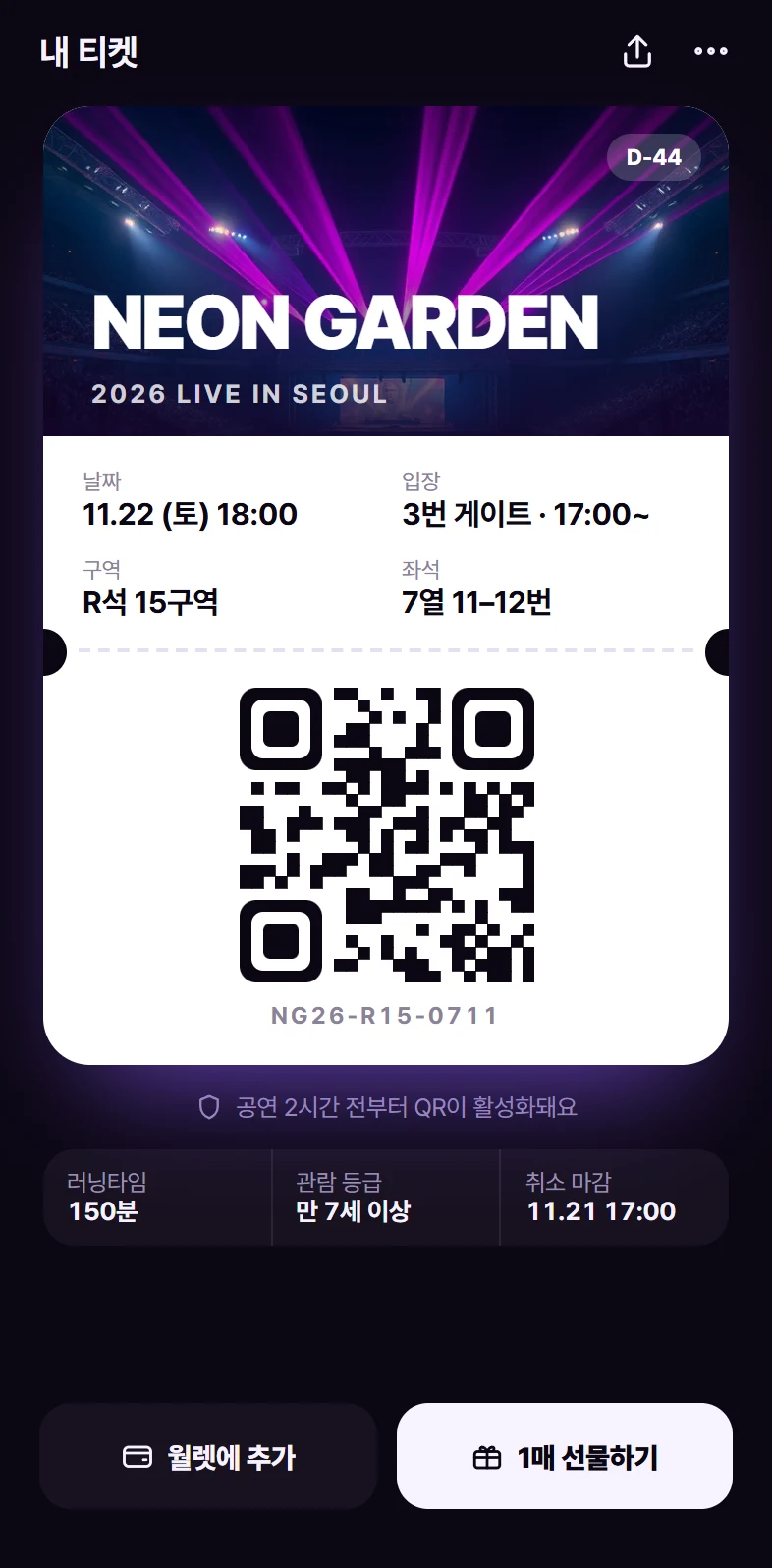
Export
- FigmaLayers preserved
- PPTXEditable
- PDFPrint & share
- PNG@2x
- HTMLUI code
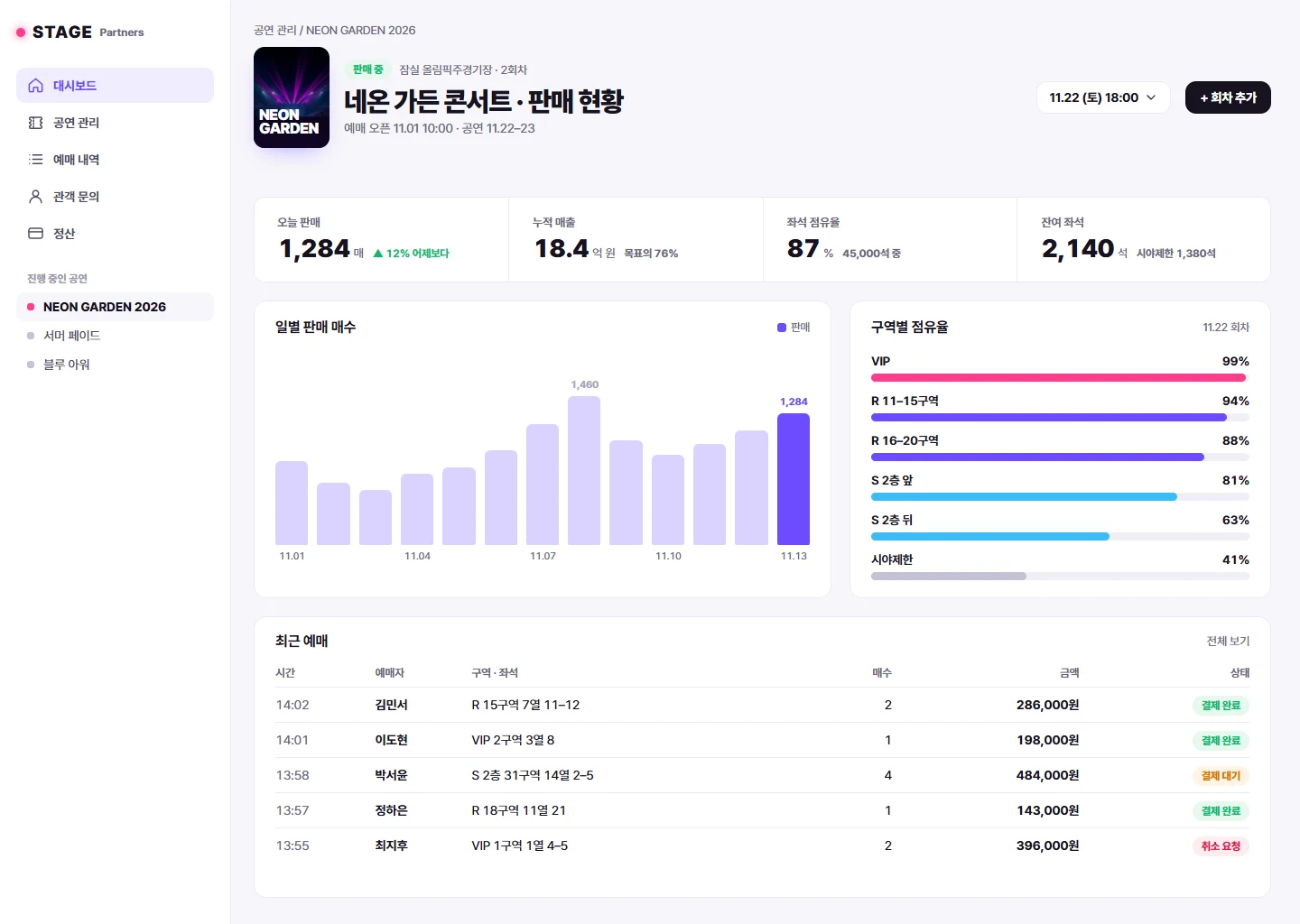
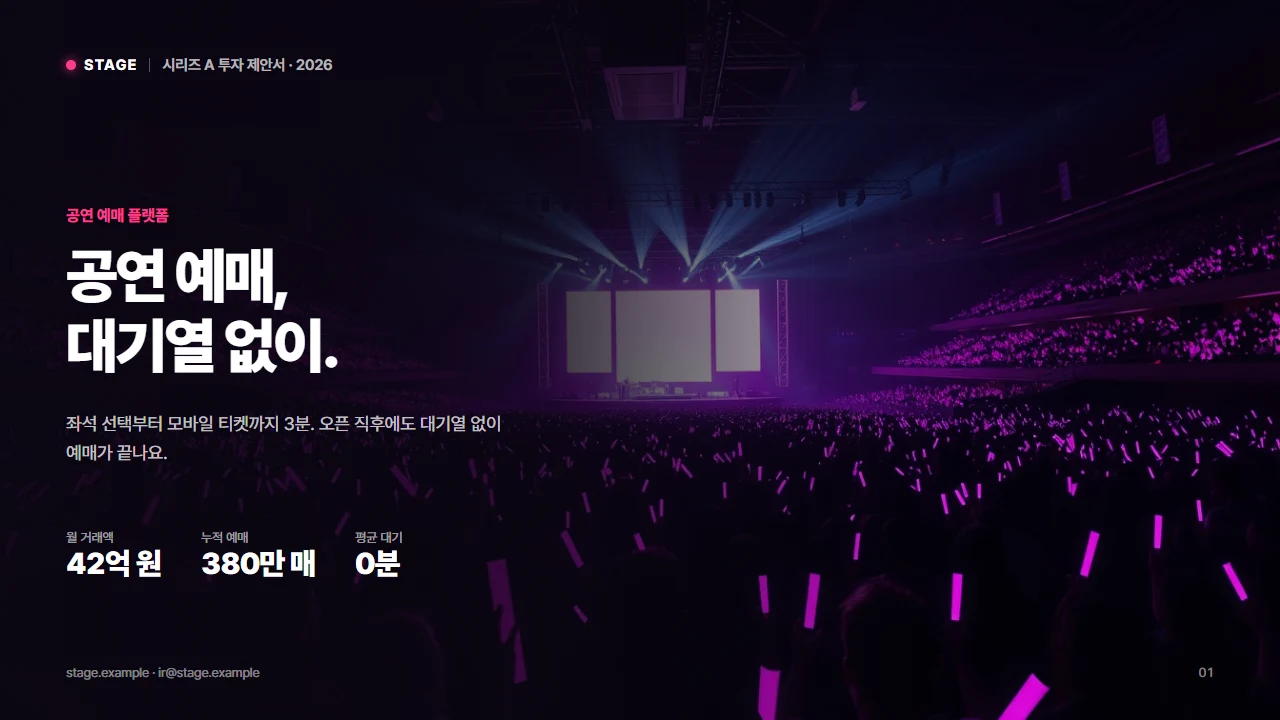
A different face for every service
Vinsign sets colors and structure to fit your kind of service.It also creates the photos and illustrations each screen needs.
Flows, not just screens
Decide the screens first, build them in order, then turn the same content into slides.No need to explain everything again at each step.
- 01 Idea
Describe the service in one line. Even a screen name is enough.
- 02 Screen list
AI Flow proposes the screens and their order. Change it before anything is built.
- 03 Screens
Built in order, with each screen carrying the style of the last.
- 04 Slides
The same content becomes slides. Export to Figma, PPTX, or PDF.
Edit with one line
Select what to change and write one line, and only that part changes.Slides can also be polished directly in the editor.
Into the tools you already use.
Export screens and slides to Figma, PowerPoint, or code.Not as images, but as files you can keep editing.
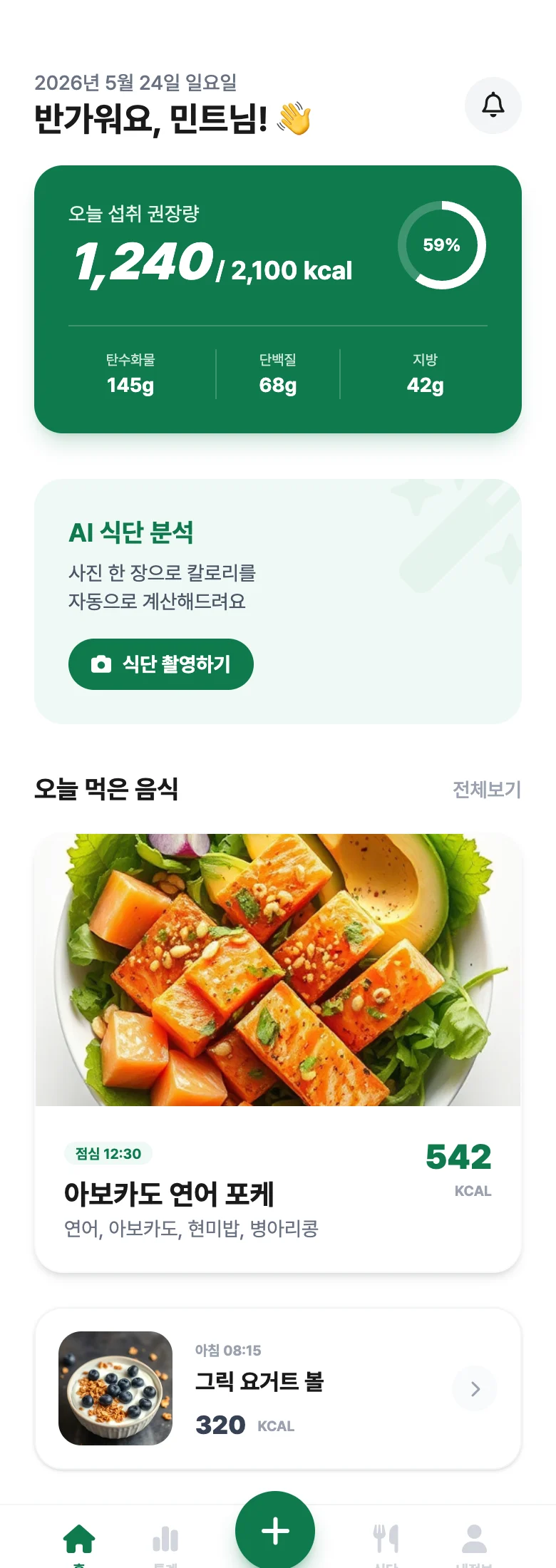
Your ideas stay yours
You're working on ideas nobody has seen yet, so what you enter is used only to make your designs.
- Never used for AI training
The ideas you enter and the screens and slides you make are never used to train AI models.
- Your canvas is yours alone
Canvases and screens are visible only in the account that made them.
- Pay with peace of mind
Payments go through Lemon Squeezy, a payment platform trusted worldwide.
Start free, scale when you need
Free
- 2 canvases
- 100 credits per month
- Up to 20 screens
- ECO model
Basic
Most popular- 5 canvases
- 1,000 credits per month
- Up to 200 screens
- High-quality design model
- Export to Figma
- AI Flow Write an idea and get the screens you need, proposed automatically
Pro
- Everything in Basic
- Unlimited canvases
- 1,500 credits per month
- Up to 300 screens
- AI Flow Write an idea and get the screens you need, proposed automatically
- Vincent mode Drafts design systems, service briefs, and IR decks
Common questions
When are design credits used? +
Credits are used whenever you create or edit a screen. They reset every month.
Can I export what I make? +
Yes. Export as image, UI code, PDF, Figma, or PPTX.
What is AI Flow? +
Write an idea and AI Flow plans the screens you need before building them. You can edit each screen right after.
What is Vincent Mode? +
Beyond screens, Vincent mode drafts design systems, service briefs, and IR decks in one go.
Can I cancel anytime? +
Yes. Cancel anytime in Settings and keep access until the end of your billing period.
Are my ideas or designs used to train AI? +
No. The ideas you enter and the designs you make are never used to train AI models. Your canvases open only in your own account.
One line is enough.
A service idea or just a screen name.The moment you write it, it becomes screens and slides.